Picture It is the Shopify app 180+ art stores use to show a piece on the buyer's wall, in a room mockup or in AR, before they buy. I acquired it, interviewed the merchants already using it and rebuilt onboarding, activation, framing and room mockups.








Bought, then rebuilt
Picture It was a working app with paying stores when I acquired it. Before changing anything I interviewed the merchants already using it, watched them set up a product and asked what they would fix first. I discovered three major problems during those chats:
- AR that was not ARThe camera view laid a flat image over the feed. Nothing was placed on a wall.
- Activation by variantTurning previews on for one product meant clicking through every size and frame.
- No room to customizeMerchants could not change how variants or backgrounds looked.
- Upgrade the stackNew codebase, and a 3D modeling agency as a partner for true AR.
- Price to the customerA scalable model that matches what each store needs.
- Make setup easySignificant user experience work so activation takes minutes.
- Keep shippingConsistent updates that give different kinds of art merchants more control.
Live in four steps
Many stores uninstalled on day one because they never saw a live preview of their own art, so I rebuilt onboarding to get every merchant to that moment right after installing.
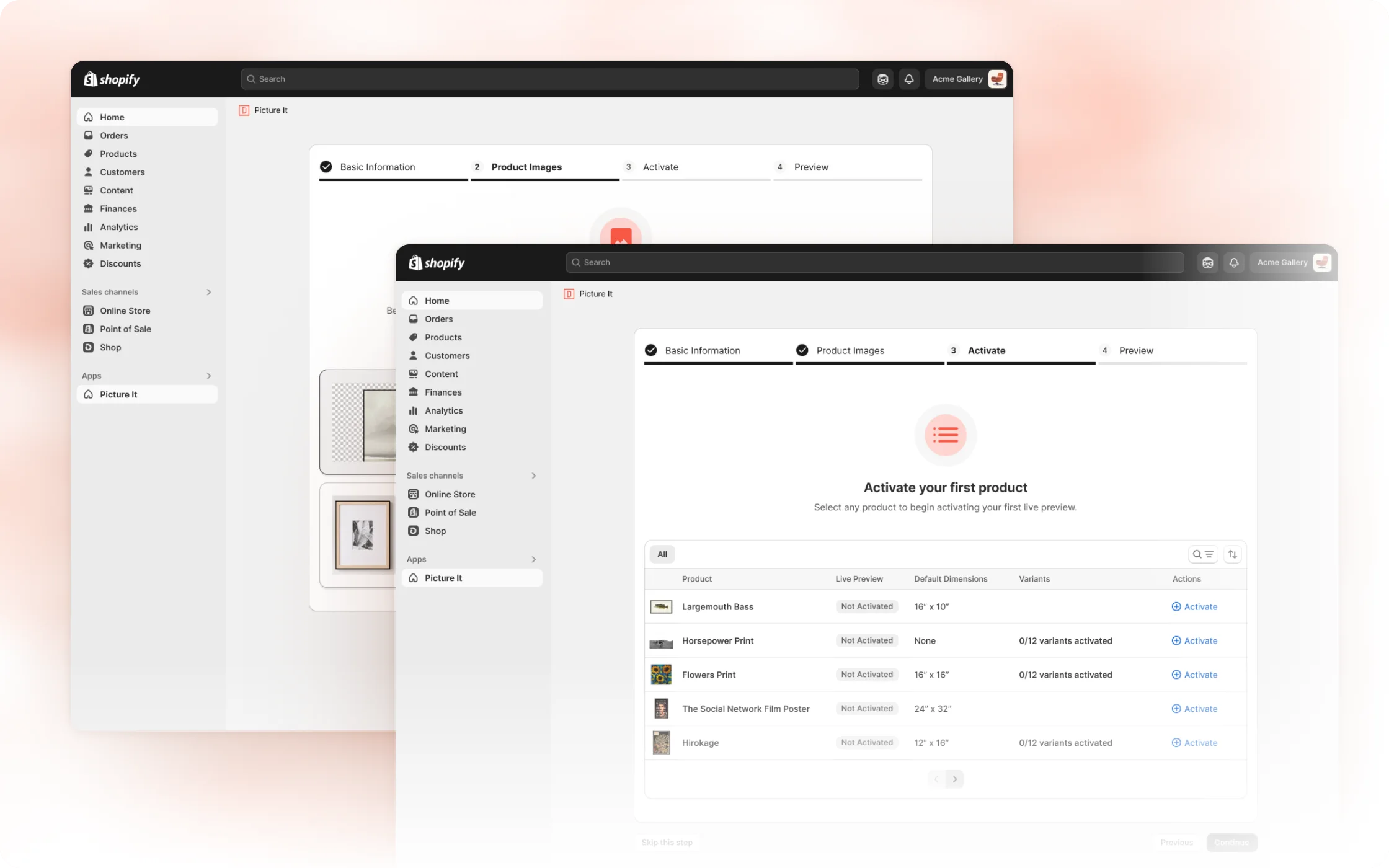
- Product images187
- Activation186−1
- Customize185−1
- Finished183−2
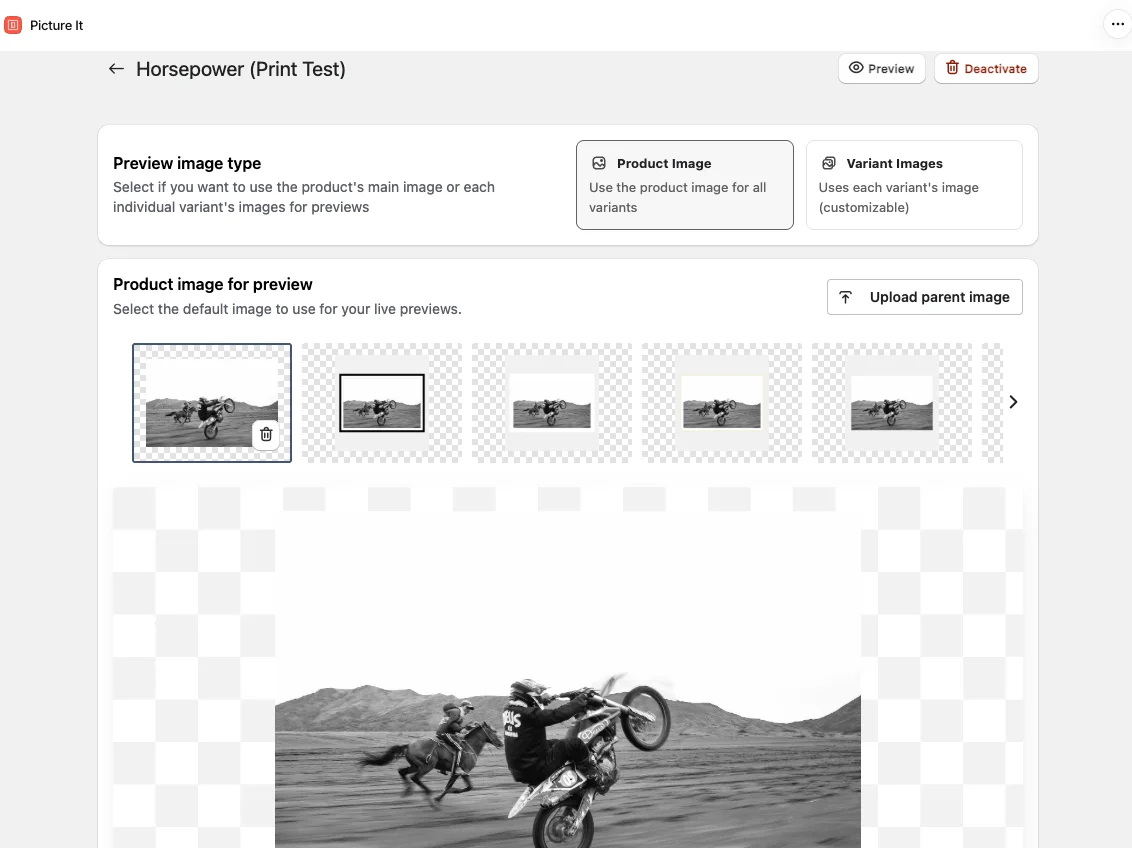
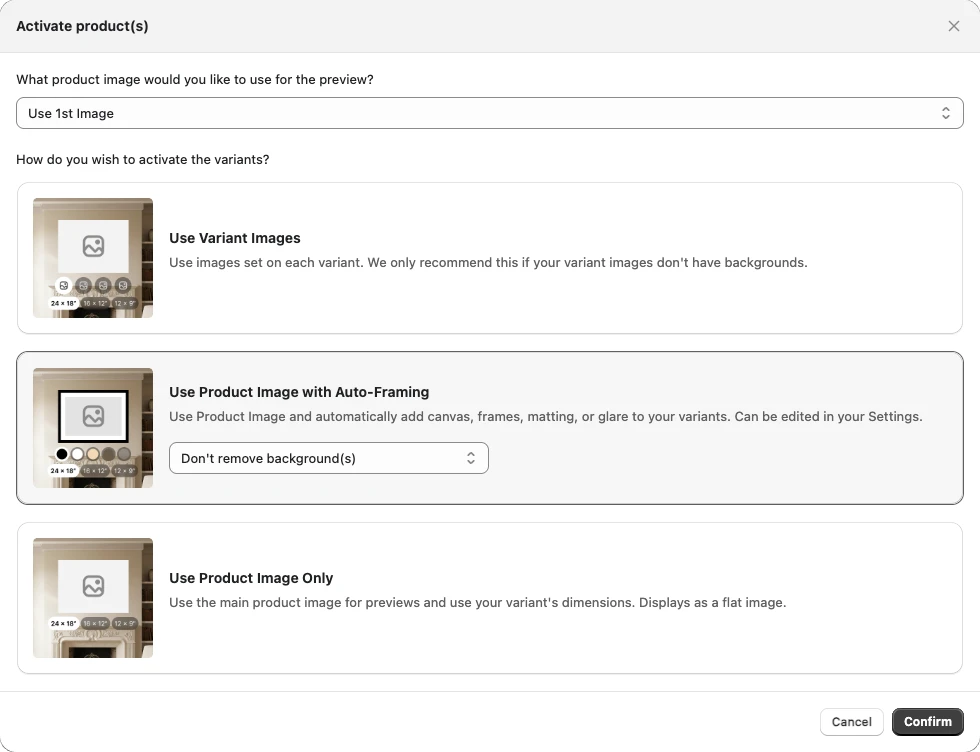
Simpler activation of product catalog
Before the acquisition, customers were manually activating variants one by one.
Customers can now import products, variants, and dimensions in bulk with a smarter activation process designed for art stores.
Customizable framing to match offerings
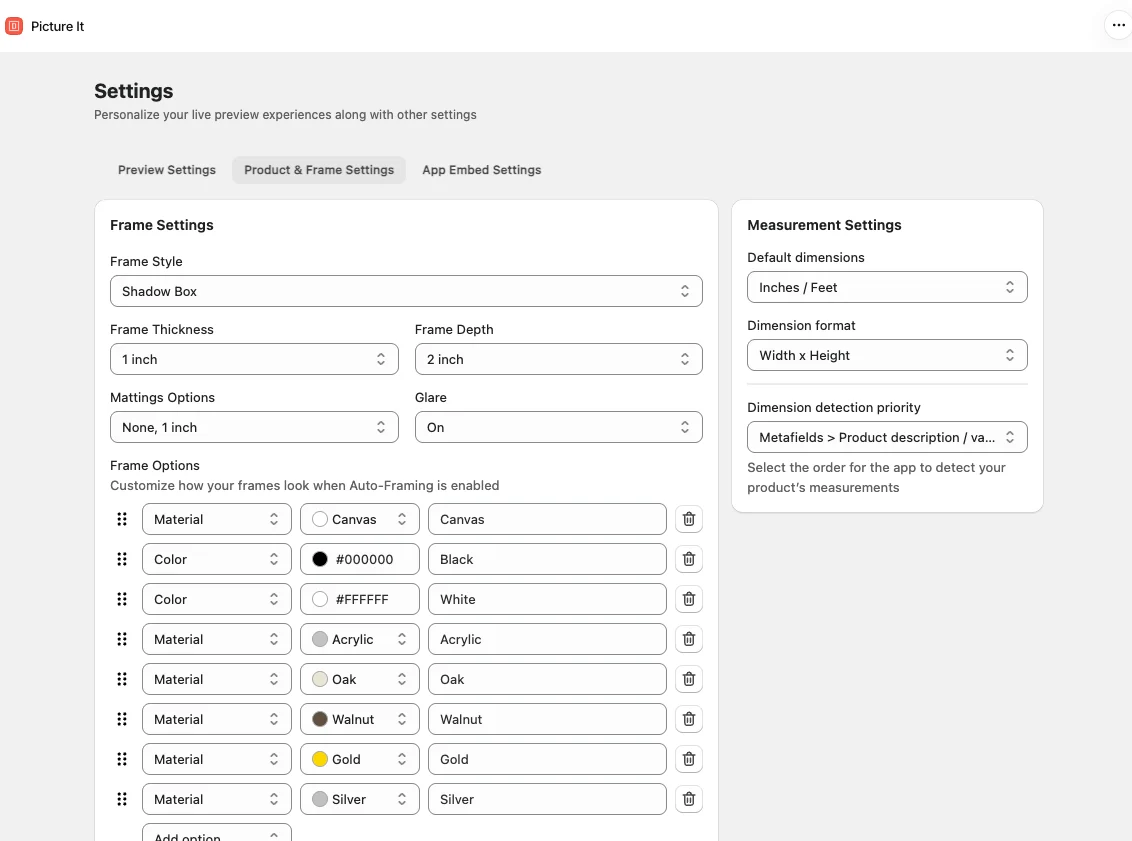
Style, thickness, depth and matting are set in the app. The materials and colors the merchant adds become the options a buyer flips through on the product page.
Room mockups of all styles
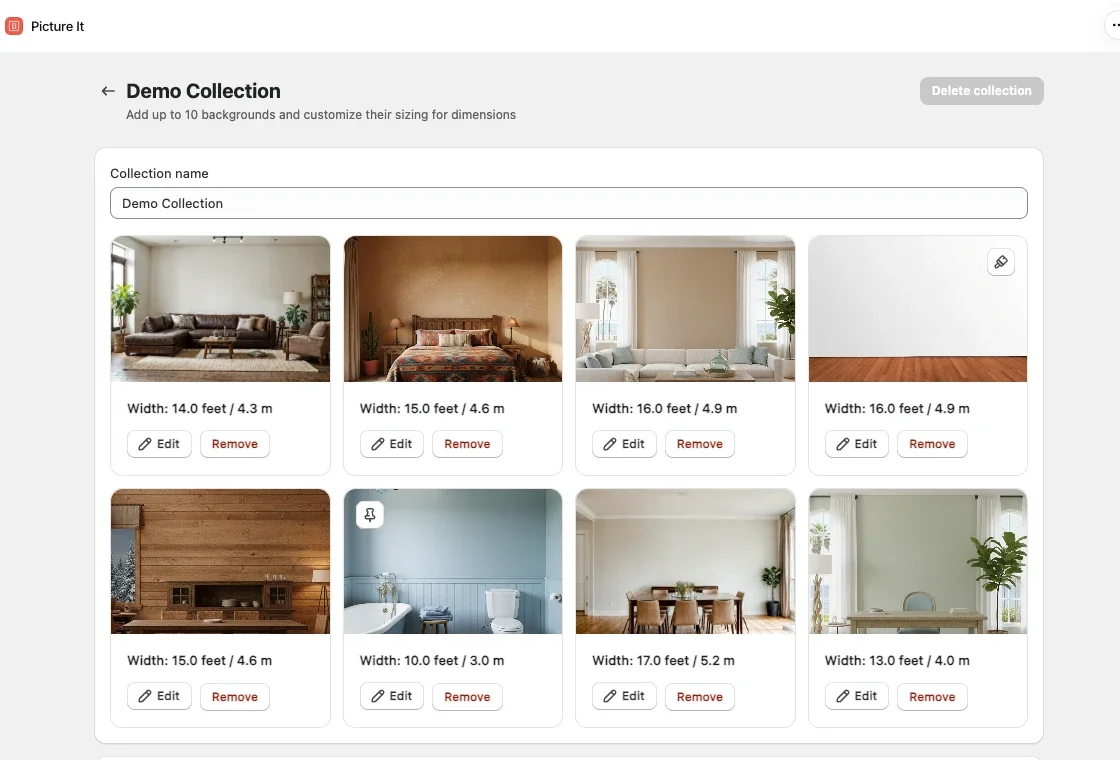
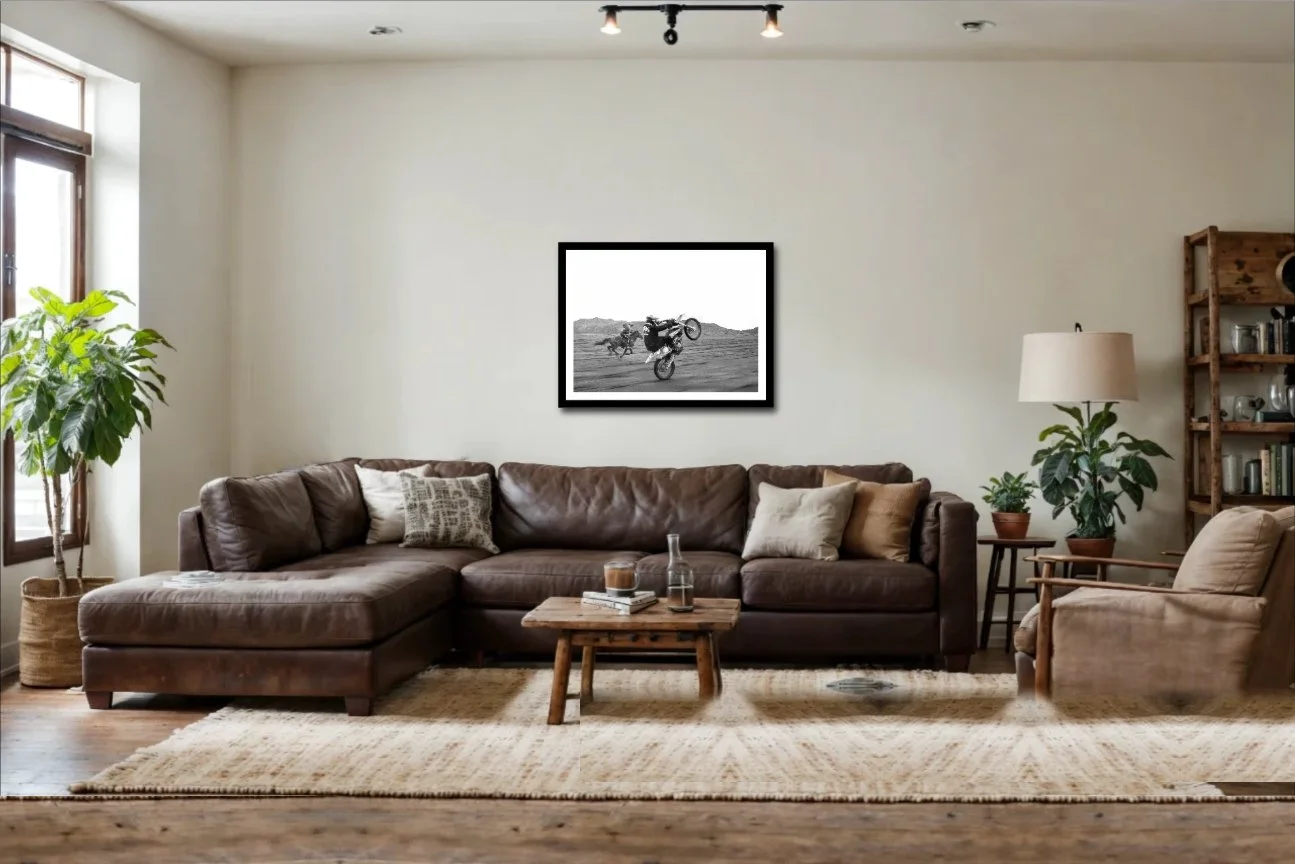
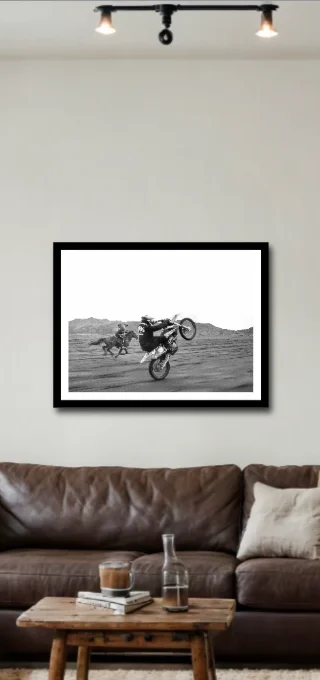
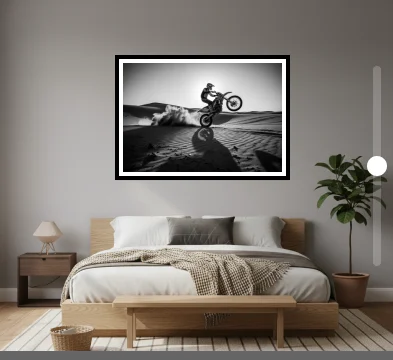
We built in a deeper customization of backgrounds, with accurate resizing, more default options, and fixed positioning of products.